

Tetra Data Assistant
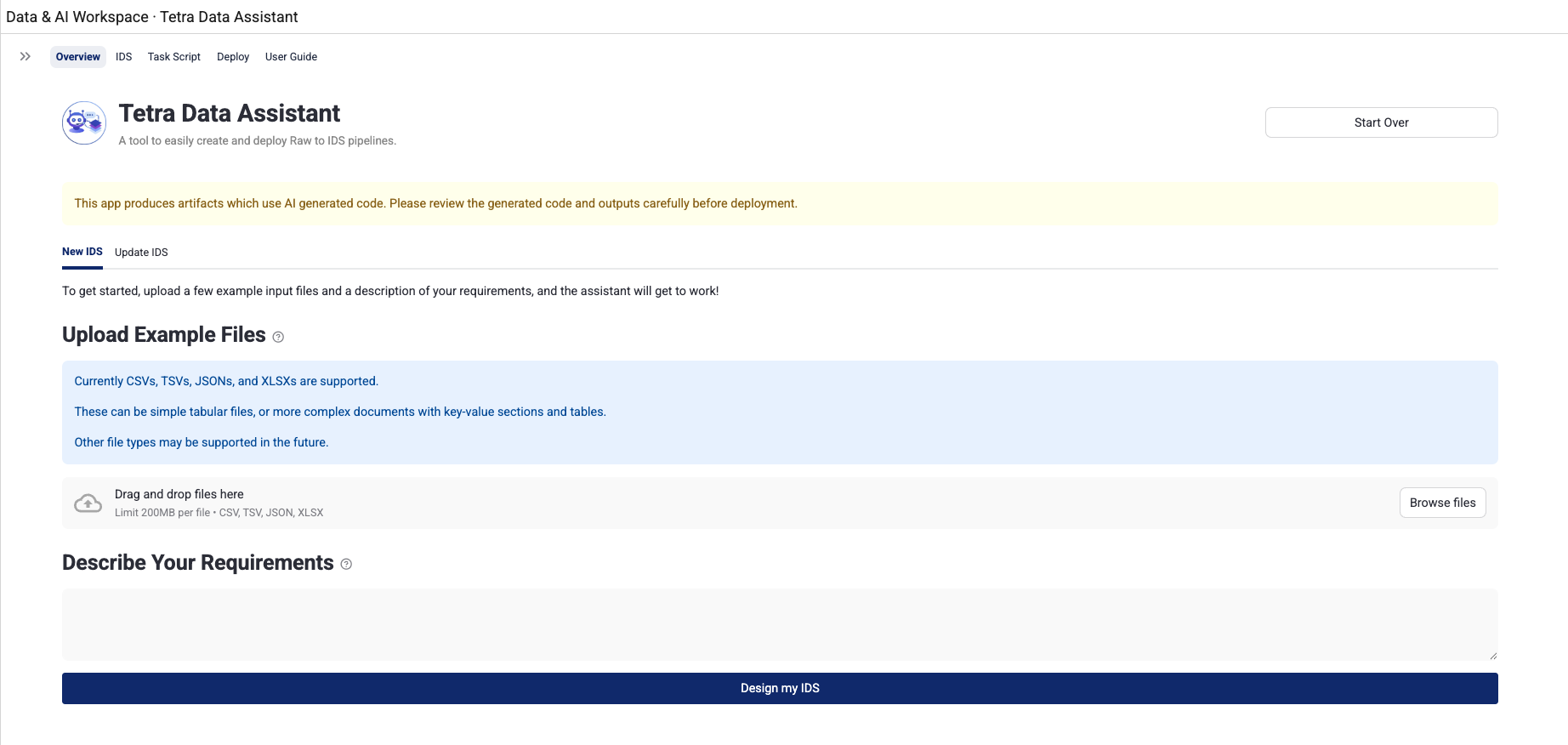
The Tetra Data Assistant helps customers design, build, and deploy complete Raw-to-Intermediate Data Schema (IDS) data transformation pipelines by using AI. The app uses AI agents to design IDSs based on your uploaded example files and requirements description. It also provides an interactive chat sidebar that allows you to refine and adjust the generated schema through natural language instructions.
Capabilities
- AI-Powered IDS design based on file examples
- Automated task script generation that transforms raw input files into IDS-formatted JSON output
- Protocol generation that tells the Tetra Data Platform (TDP) how to run the task script
- Single-click deployment for all generated artifacts
- Update mode for editing existing artifacts
- Download artifacts and logs as
ZIPfiles for offline review and troubleshooting
NOTE
To access AI coding assistants with specialized tools for working with Tetra Data, you can also use the Tetra Data Assistant MCP Server. The MCP server extends AI-powered development environments with tools and prompts that help developers build, validate, and maintain IDSs and task scripts.
Prerequisites
Tetra Data Assistant requires the following:
- Tetra Data Platform (TDP) v4.4.1 or higher
- TetraScience AI Services v1.1.1 or higher must be activated in your TDP environment
- Starting with Tetra Data Assistant v1.1.0, the Tetra Data Assistant AI workflow must be installed and activated in your TDP environment. This AI workflow powers the app's AI agents. If it isn't installed and active, the app opens but the AI agents can't run. A TDP administrator can install or activate it through TetraScience AI Services. Contact your TDP administrator if you're unsure. (In earlier versions, v1.0.0–v1.0.2, the AI agents ran inside the app and no separate AI workflow was required.)
- TDP permissions to deploy artifacts to your organization's namespace
- Supported input file formats: CSV, TSV, JSON, or XLSX (up to five files per session)
User Guides
For more information about how to use the Tetra Data Assistant, see the user guide for your version:
Documentation Feedback
Do you have questions about our documentation or suggestions for how we can improve it? Start a discussion in TetraConnect Hub. For access, see Access the TetraConnect Hub.
NOTEFeedback isn't part of the official TetraScience product documentation. TetraScience doesn't warrant or make any guarantees about the feedback provided, including its accuracy, relevance, or reliability. All feedback is subject to the terms set forth in the TetraConnect Hub Community Guidelines.
Updated 3 months ago